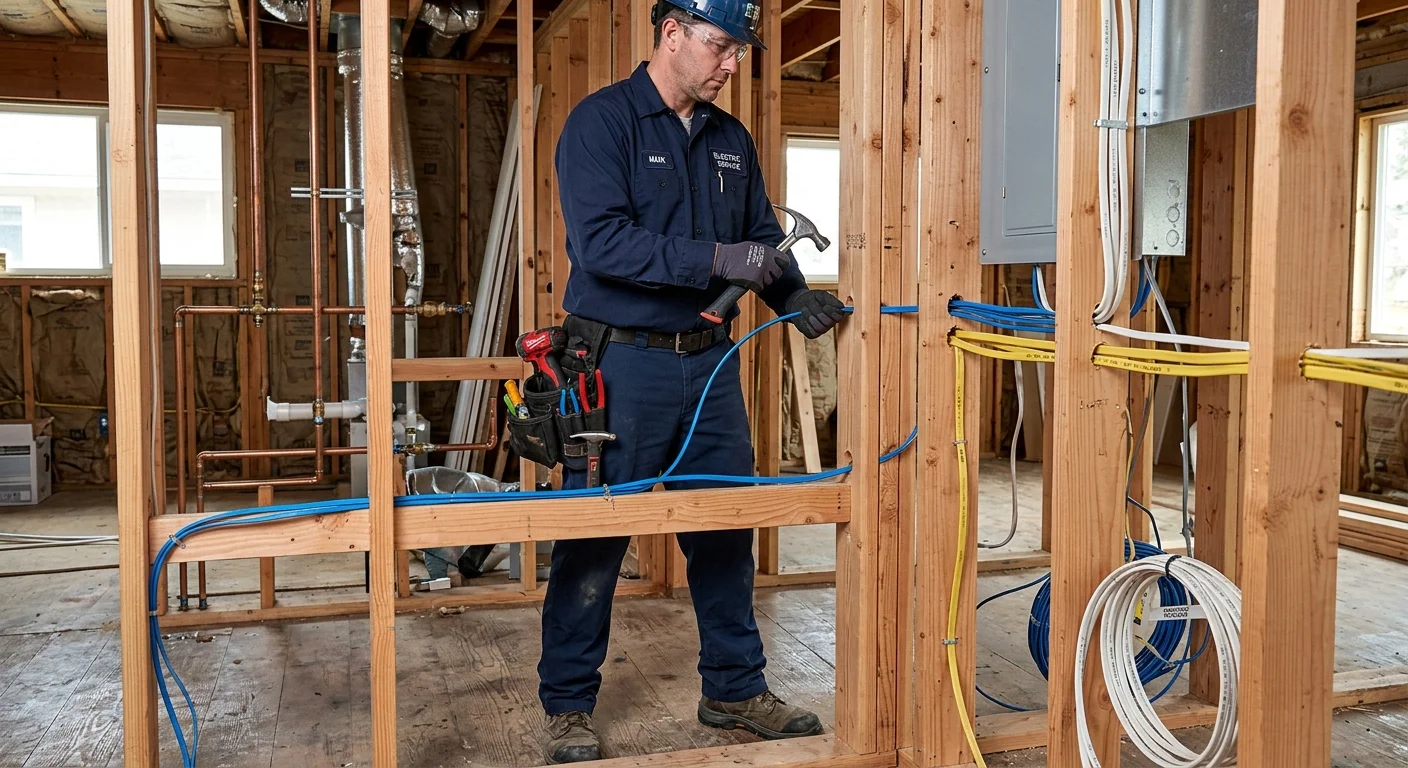
A reliable smart home starts with inspecting the panel and the switch boxes, not the gadgets. Bright Pro Electric matches San Diego homeowners with licensed electricians. It does not install devices or own the wiring. Common categories after that inspection: no listed path for a smart switch (missing neutral), circuits that already sag, or a panel that cannot take new load. Wiring scope is whatever the written proposal lists.
TL;DR
- Inspect the panel and switch boxes first. Then buy hardware that matches those boxes.
- Neutral at the switch, dedicated circuits, and ethernet are proposal items, not a county rule for every pre-1990 house.
- Bright Pro Electric is a referral matcher. You hire and pay the electrician.
- Hardwired ethernet (Cat6A) to your TV, desk, and media panel outperforms Wi-Fi for smart hubs, cameras, and streaming, especially in denser coastal neighborhoods with congested 2.4 GHz spectrum.
- If you’re planning an EV charger, solar, or a smart panel upgrade, plan those circuits now, they’re far cheaper to run during a remodel than after walls close.
- A licensed electrician should assess your existing panel and wiring before you invest in devices. Get in touch and we’ll connect you with a vetted local electrician. Bright Pro Electric does not install.
A licensed electrician can inspect the panel and switch boxes before you buy, so the written scope matches the house. Dropouts, power issues, or hardware that does not match the boxes are reasons for that inspection. Bright Pro Electric matches you with that electrician. It does not install the devices.
Why your smart home starts with wiring, not just devices
The wiring and the panel still have to match the device listings. Many San Diego houses have older wiring that was not sized for today’s electronics.
Every smart device, from a dimmable light switch to a smart thermostat, relies on a steady and sufficient supply of power and, in many cases, a stable data connection. Wi-Fi signals can get weak, and older wiring can introduce voltage drops or interference that disrupt device performance. When a licensed electrician installs the wiring to the listing, each device is more likely to get the power and data path that listing assumes. That still does not remove troubleshooting when Wi-Fi, a dimmer, or a shared circuit is the actual fault.
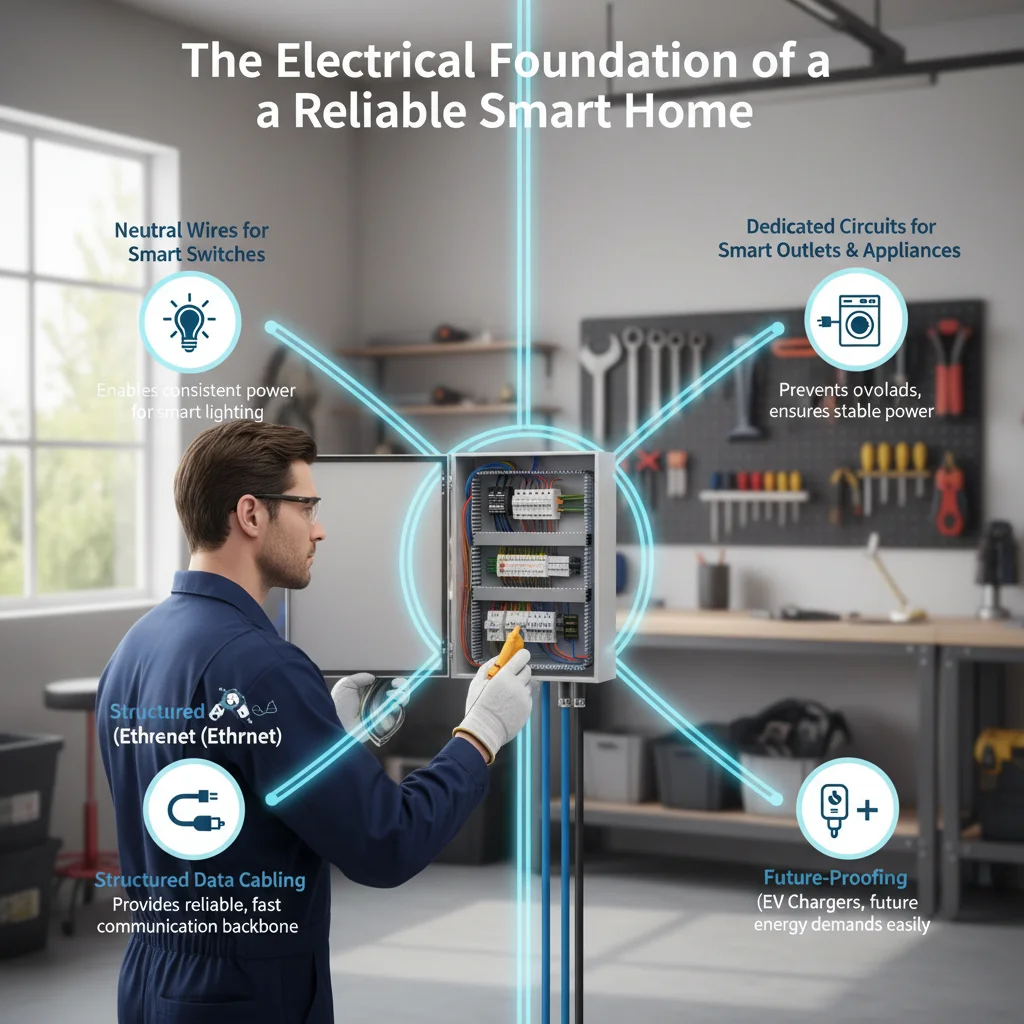
Adding neutral wires for smart switches
One of the most common hurdles for homeowners installing smart switches in older San Diego properties is the lack of a neutral wire in the switch box. Many traditional light switches simply interrupt the hot wire, meaning they only have hot and load wires present. For decades, this setup was perfectly sufficient. However, most modern smart switches need a constant, low-power electrical connection to run their internal electronics, maintain Wi-Fi connectivity, and respond to commands even when the light is off. This continuous power supply comes from the neutral wire.
Without a neutral wire, a smart switch might try to “steal” power from the load wire, which can cause issues like flickering lights, buzzing sounds, or the switch simply failing to operate correctly. While some “no-neutral” smart switches exist, they often come with limitations, such as compatibility only with specific bulb types or requiring a capacitor bypass installed at the light fixture, which can add complexity. For optimal performance, reliability, and the widest range of smart switch options, having a neutral wire run to each switch box is highly recommended. The electricians we connect you with can assess existing wiring and, when the written proposal says so, pull a neutral. Bright Pro Electric does not install. Read smart switch with no neutral wire for the listing options.
Installing smart outlets and dedicated circuits
Smart outlets let you switch a lamp or charger from an app, or read energy use if the listing includes that. A hardwired smart outlet is a cleaner look than a plug-in cube. The electrician says whether that box and circuit can take it.
Beyond standard smart outlets, many smart homes add dedicated circuits. A dedicated circuit serves one outlet or appliance from its own breaker. High-draw appliances on a shared branch can trip that breaker. For instance, if you plan a home theater with a TV, soundbar, and streaming devices, a dedicated circuit is one way to keep that load off a shared branch. The electrician says whether that circuit is needed. A smart outlet installation in San Diego often involves asking whether a dedicated circuit belongs in the written scope.
Planning extra capacity: EV chargers and other loads
If you plan to add loads later, write them down for the electrician: an EV charger, a connected range, a heat-pump water heater, or solar with a battery. Installing an EV charger during a remodel or new build lets the electrician size the panel and run conduit while walls are open, which is usually cheaper than fishing later.
Each of those loads has its own circuit and listing. The California Energy Commission updates energy rules on its own calendar. Extra panel space, a subpanel, or spare conduit are scope items to quote. Another opening of the walls can still be required later.
Hardwiring for reliability: ethernet vs. wifi
Ethernet is a listed path for devices that need a stable link. Compare it to Wi-Fi on that house: interference, range, and how many radios already sit on the access point. It is not an unmatched speed or security ranking.
Hubs, cameras, streamers, and a desk PC often run better on Ethernet than on a crowded Wi-Fi radio. When a written smart-home proposal includes data, it is not only line-voltage. Ethernet to key rooms and a central closet is one listed path. Compare it to Wi-Fi on that house.
Smart locks and video doorbells are usually the first devices people add, and they sit right on the line between two trades. The electricians we connect you with handle the wiring side: doorbell transformer upgrades (most older San Diego homes have 16V transformers that can’t power a video doorbell) and any low-voltage runs. For the lock hardware itself, a locksmith like Swift Key San Diego installs smart locks and sorts out keying so the smart lock and your existing deadbolts work together.
How matching works for a smart-home wiring plan
Bright Pro Electric does not install devices and does not build the wiring. It matches San Diego homeowners with licensed electricians for smart home wiring when the written proposal covers neutrals, dedicated circuits, panel capacity, or a hardwired data run.
The electrician you hire works from that proposal: neutrals at switch boxes where the listing requires them, dedicated circuits for high-draw loads, panel work when the load calculation requires it, and data cabling where Wi-Fi is not enough. That is a scoped install by the C-10 you pay, not a Bright Pro guarantee.
If you’re planning a remodel and want to know exactly what to run before drywall closes, see our guide on smart home wiring during a San Diego remodel. For the specific C-wire challenge that trips up most Nest and Ecobee installs, see how San Diego homes get smart thermostats working.
Frequently asked questions
What should an electrician do before I buy any smart home devices?
Before purchasing anything, have a licensed electrician check your panel capacity, verify neutral wires at switch boxes, and confirm your existing wiring gauge and condition. Knowing what your home already supports determines which devices will work without additional wiring and where upgrades are needed. This assessment typically takes an hour and eliminates a lot of expensive false starts.
Do I need a new electrical panel to start a smart home in San Diego?
Not always. If your panel is 200-amp and has open slots, you may have plenty of headroom. Panels under 100 amps, or panels that are full, become a bottleneck as you add dedicated circuits for EV chargers, smart appliances, and whole-home loads. A load calculation will tell you where you stand. If you’re already planning a remodel, it’s worth discussing panel sizing at the same time.
Is Wi-Fi reliable enough for a smart home in San Diego, or do I need wired ethernet?
Wi-Fi handles most smart home devices fine. Where it falls short is on high-bandwidth or latency-sensitive gear: security camera NVRs, smart home hubs, media servers, and home office setups. In coastal San Diego neighborhoods with high Wi-Fi density, 2.4 GHz congestion is real. Running Cat6A to your TV locations, home office, and structured media panel gives you a reliable backbone and frees up Wi-Fi for truly wireless devices.
Which smart home platform should I use in San Diego?
Apple HomeKit, Google Home, and Amazon Alexa all work well. The most important thing in 2026 is buying Matter-certified devices, they work across all three platforms and aren’t locked to any one ecosystem. Choose the platform you already use for your phone and voice assistant, then filter device purchases to Matter-compatible products.
When to call us
You should call a licensed electrician for new wiring, circuit upgrades, or changes at the panel. That work is licensed. Get in touch and we’ll connect you with a vetted local electrician. Bright Pro Electric does not install.